Spreadsheet
EastMallBuy Spreadsheet
Browse product finds, check the original listing and follow an EastMallBuy order from purchase to delivery. Start with a category or search, then use the guide for the decisions around payment, QC and shipping.

Browse by category
Sixteen ways into the catalogue
The catalogue is organised by what the thing is, not by who sells it. Sixteen entries cover most of what people come here for. Womenswear has no category of its own, so that tile runs as a search instead, and the tile says so.
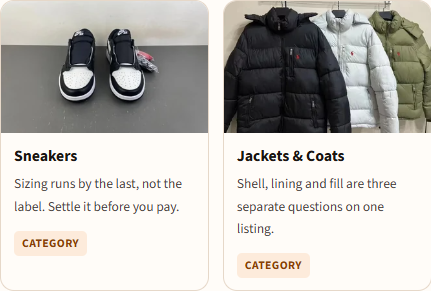
 Sneakers
Sizing runs by the last, not the label. Settle it before you pay.
Category Jackets & Coats
Shell, lining and fill are three separate questions on one listing.
Category Hoodies
Weight in grams tells you more than the season the seller names.
Category T-Shirts
The print is what varies between batches, not the blank.
Category Jeans
JeansInseam is the measurement sellers most often leave out.
Category Sweatpants
Cuff and rise change the look more than the size does.
Category Womenswear
No category of its own here, so this one runs as a search.
Search results Jerseys
Name, number and patch are three chargeable choices.
Category Bags
BagsHardware and lining are where the versions differ.
Category Hats
HatsOne size rarely is. Check the band measurement.
Category Belts
BeltsBuy by the waist you measure, not the trouser size you wear.
Category Eyewear
Lens marking and hinge are the two things photos hide.
Category Perfume
Liquids are the category most likely to be refused by a route.
Category Jewellery
Plating thickness decides how long it survives, and nobody lists it.
Category Watches
Movement type is the one spec worth asking about before paying.
Category Electronics
Plug standard and voltage are yours to check, not the seller's.
Category
Find the product first
What is the EastMallBuy Spreadsheet?
The Spreadsheet is a product catalogue with category and search links. It gives you a starting point for finding an item and saving its original seller URL. It does not take payment or place an agent order for you.
Why use this EastMallBuy Spreadsheet?
Category notes highlight the measurement, material or shipping detail to check. The linked guides carry that decision into seller selection, QC and the final parcel quote.
Using and judging a Spreadsheet · Choose a product and seller
Then choose the buying service
What is EastMallBuy?
EastMallBuy is a shopping agent. It purchases from a Chinese seller on your behalf, receives the goods at a warehouse, records checks and arranges international shipment. Forwarding is the separate route for goods you already bought yourself.
Why choose EastMallBuy?
The buying, DIY-order and forwarding routes can help with different kinds of seller links. A warehouse step lets you review the received item before shipping. Check current route eligibility, charges, inspection scope and support arrangements for your own order.
Agent services and the full order flow · Suitability and operator details · Compare agents
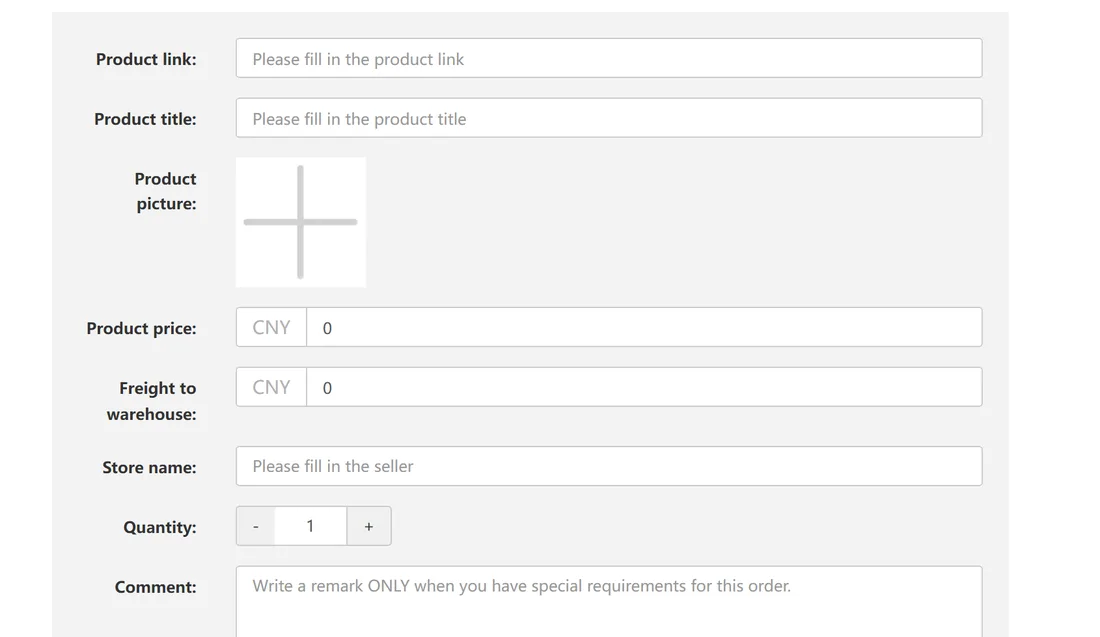
A complete buying path
How to use the EastMallBuy Spreadsheet and agent
Follow the detailed guide · Check the decision you can still change · Budget the complete order
When you need the detail
Guide, Help Center and FAQ
Use the buying guide before payment, the QC and returns page after warehouse arrival, and the help page for official support and common terms.
QC, additional photos and returns
Shipping, tracking and receipt
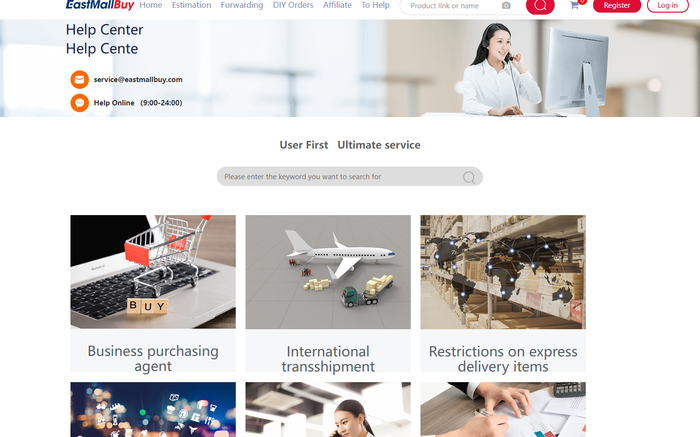
Help Center, FAQ and glossary
Dated notices and community evidence